-
Discover the Differences Between SCANIA
Software and Learn About All Their Features

DIFFERENCES BETWEEN SCANIA
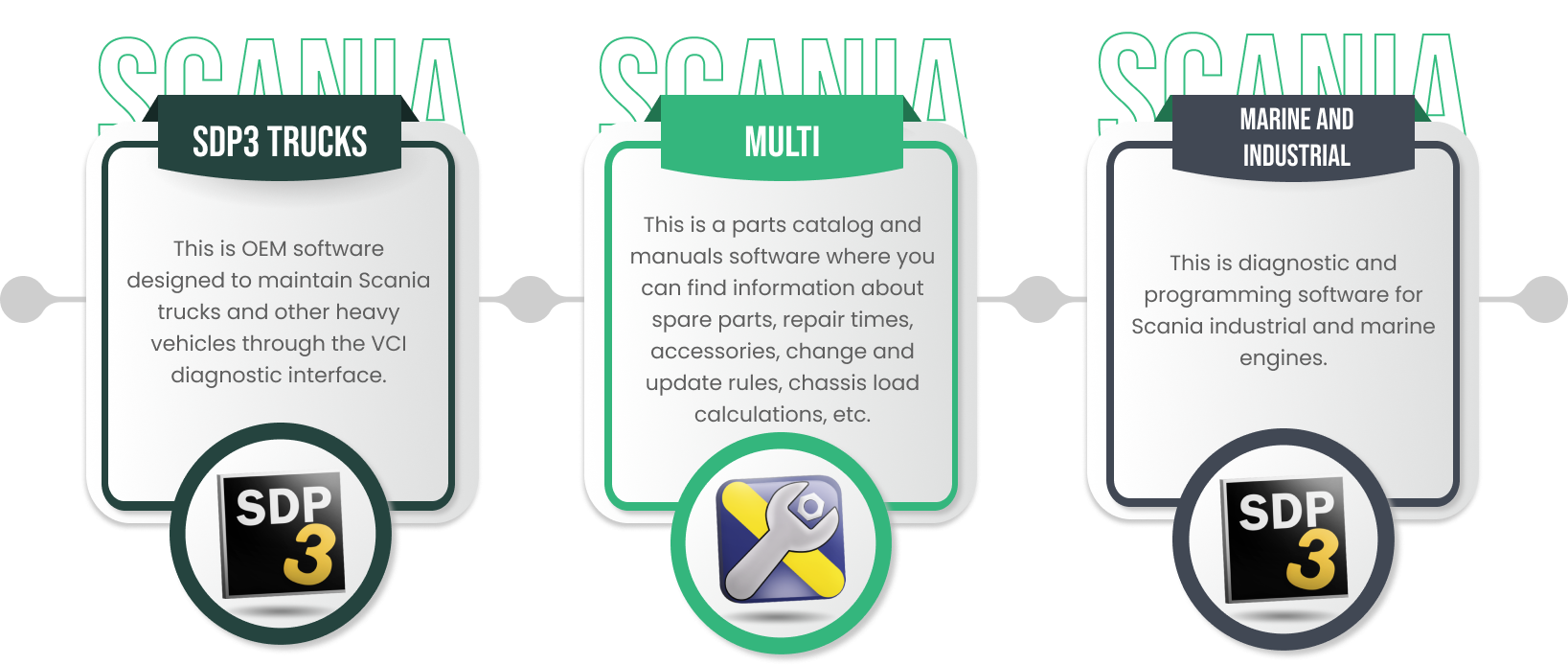
Additionally, Scania is also a leader in industrial and marine engines. Scania is focused on providing the best service in every way, which is why they developed the Scania Diagnos Programmer 3 (SDP3) software
Scania Diagnos Programmer 3 (SDP3): An Efficient Software
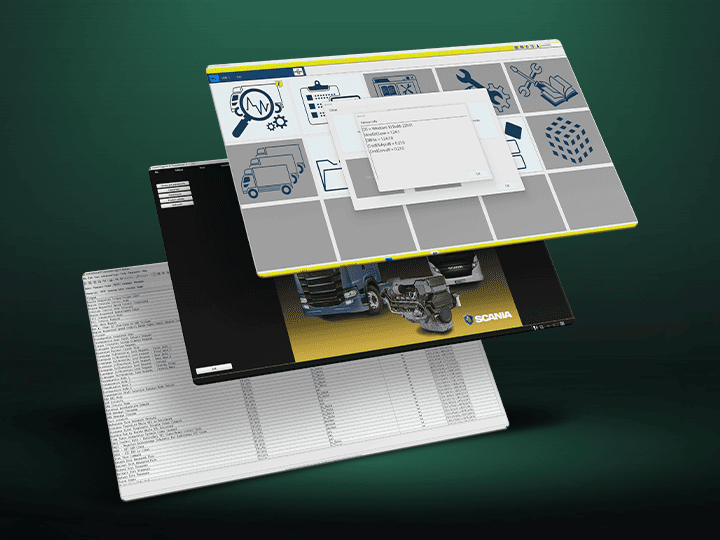
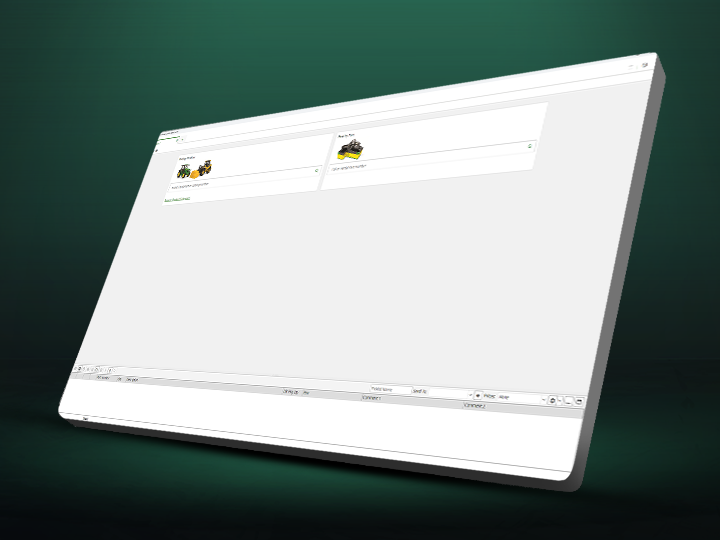
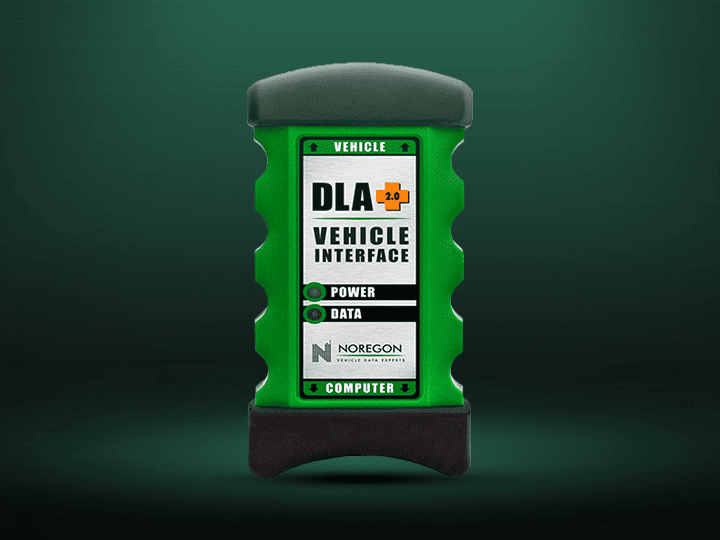
SDP3 is a PC-based diagnostic application software for Scania trucks, bus chassis, and Scania engines. SDP3 software allows reading fault codes, assisted problem solving, parameter configuration, and much more. It is important to mention that SDP3 must be installed on a PC/Windows platform and connected to the vehicle through a Vehicle Communication Interface (VCI).
Differences Between Scania Software
FREQUENTLY ASKED QUESTIONS
what OPERATING SYSTEMS ARE NOT COMPATIBLE WITH SCANIA SDP3 TRUCKS 2.61.1.5 [2024.06]?
The operating systems that are not compatible with the latest version of
Scania SDP3 Trucks are Windows 7 (32-bit), Windows 10 (32-bit), and
Windows 7 (64-bit).
IS THE VCI 2 INTERFACE COMPATIBLE WITH SCANIA SDP3 MARINE & INDUSTRIAL?
No, the VCI 2 interface is compatible with other Scania software, such as
Scania Xcom 2.30.0,
Scania Spos Xml Editor,
and Scania SD2 2.37.82 [2017.07].
what ARE THE SERIES OF HEAVY TRUCKS AND BUSES COMPATIBLE WITH THE LATEST VERSION OF SCANIA MULTI?
These are some of the compatible model series:
- Truck series: L, P, G, R, S (2016-)
- Truck series: P, G, R, T (2003-2018)
- Buses series: C, K (2020-)
- Buses series: F, K, N (2004-)
View the full list here.