-

Explore in detail all the features of Detroit Diesel Diagnostic Link

DETROIT DIESEL DIAGNOSTIC LINK
In the last decade, the internal systems of heavy
vehicles have evolved significantly, allowing users to optimize time and
increase productivity. In this context, Detroit Diesel Diagnostic Link
is a computer-based software used to perform diagnostics for Detroit and
Freightliner Cascadia vehicle systems. The software works offline, so
it does not require an Internet connection.
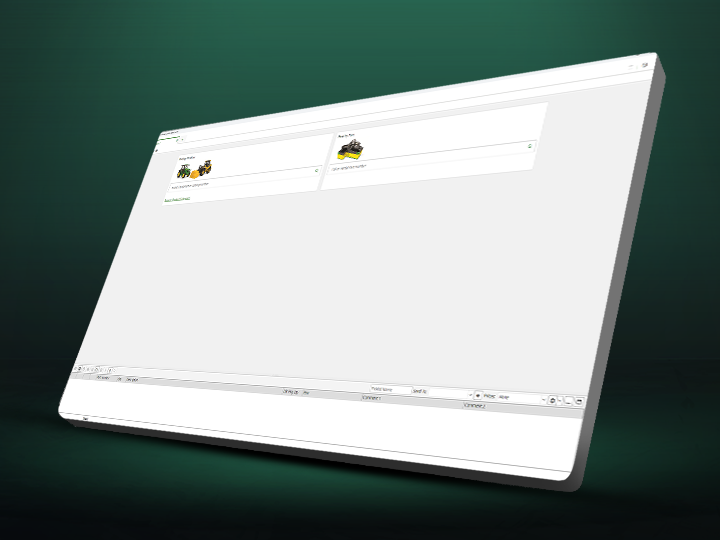
The DDDL software allows users to access ECU
information, read diagnostic fault codes for vehicles, run service
routines, perform functional cutout and injector tests for all systems,
change parameters, and perform engine calibration.
Latest updates for DDDL version 8.20 SP0 [2024.07]
Here are some of the updates introduced in the latest version of Detroit Diesel Diagnostic Link
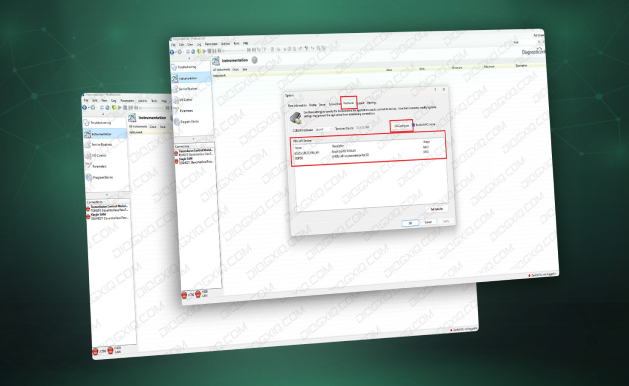
Hardware Tab Added to the Options Dialog
A Hardware tab has been added to the Options dialog. Also, SID Configure (formerly located under the Connection tab) can be used to configure the installed device drivers. Finally, CAESAR Hardware and PDU-API Devices can be configured under the Hardware tab as well.
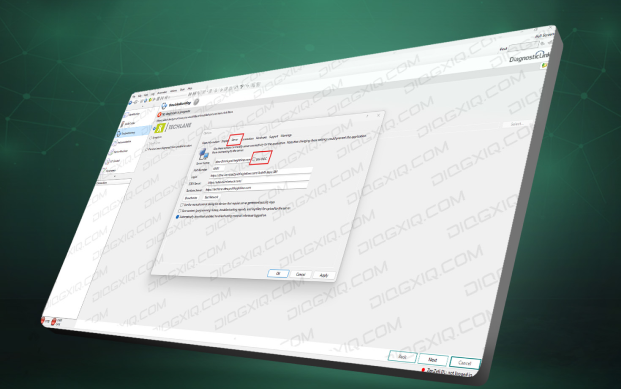
As part of CeBlD cyber security, the OIDC login option has been added to the Server tab. Selecting this option enables the OIDC server connection which is required for Gen 5 Cascadia with CeBlD enabled ECUs. Also, when checked or unchecked, Will flip between OIDC and SiteMinder based connection.
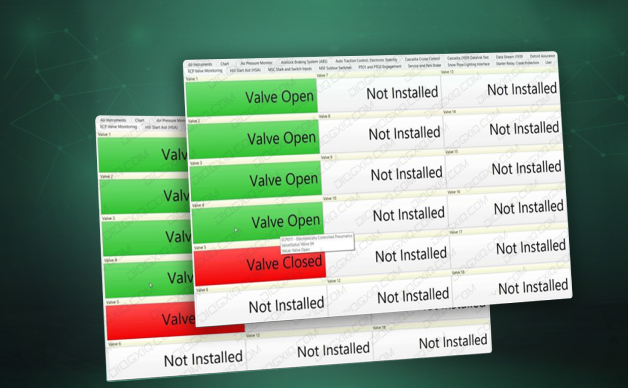
ECP Valve Monitoring Instrument Panel
The ECP Valve Monitoring Instrument panel has been added to allow ECPOIT to display the valve position. Additionally, this panel displays the valve positions and provides technician with the information on which valves are installed on the vehicle. To learn more about all the features included in the new version of Detroit Diesel Diagnostic Link.
FREQUENTLY ASKED QUESTIONS
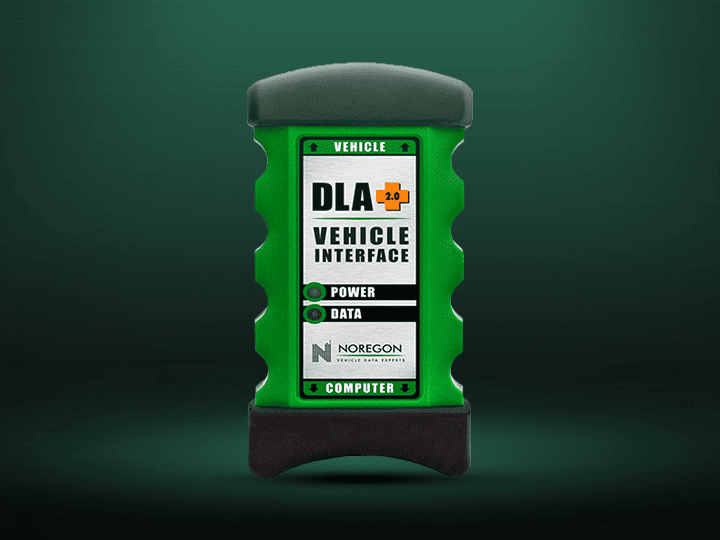
wICH INTERFACES ARE COMPATIBLE WITH DETROIT DIESEL DIAGNOSTIC LINK 8.20 SP0?
WHICH DDDL MODELS ARE SUPPORTED?
- NEW CASCADIA
- NEW CASCADIA 2020
- WESTERN STAR 49X
- WESTERN STAR 47X
- WESTERN STAR
- CASCADIA
- NEW CASCADIA CEEACE
- ECONIC
- M2/C2
- CASCADIA
- CORONADO
- EM2
- NEW CASCADIA AP4
- WESTERN STAR 5700
- CENTURY
- ARGOSY
WHICH OPERATING SYSTEMS ARE NOT COMPATIBLE WITH DETROIT DIESEL DIAGNOSTIC LINK 8.20 SP0?



Was this helpful?