-
Learn more about the differences
between ISUZU G-IDSS, ISUZU E-IDSS
and ISUZU US-IDSS

DIFFERENCES BETWEEN ISUZU
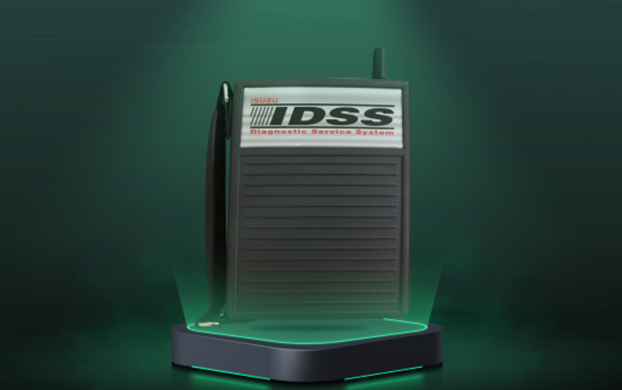
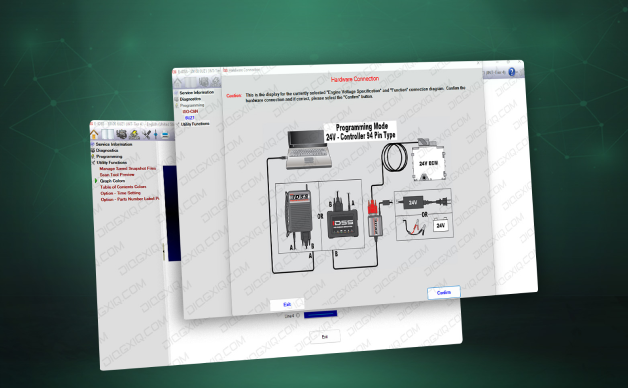
This software provides comprehensive diagnostics, storing service information (including the electrical troubleshooting manual), a scanning tool, service programming, bulletins, and training for all products manufactured by Isuzu.
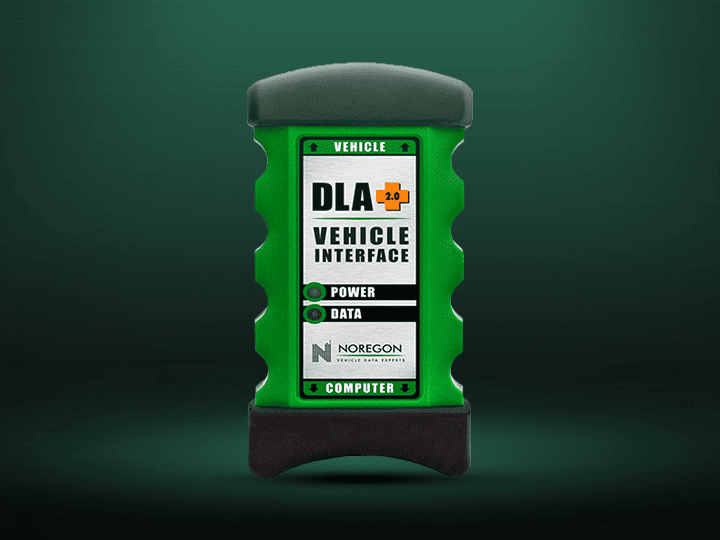
This system is characterized by using a laptop along with an industry-standard J2534 vehicle interface device. All IDSS variants are compatible with these interfaces, although the ideal interface for optimal software performance is the IDSS.
One of the most innovative features of the IDSS software is its ability to graph all information, providing a clear and simple reading of the current operational state of the engine, transmission, brakes, and emissions. It also logs and graphs the vehicle's history, including fuel consumption, engine operating temperature, braking frequency and intensity, accelerations and decelerations, maximum and average speeds over the miles traveled, engine start-up frequencies, and driver habits.
Importance of diagnostic data
Why are the mentioned data points highly relevant? Because they allow for the anticipation of potential premature component wear and, most importantly, assessing their direct impact on business profitability. With this information, preventive measures can be taken to keep vehicles in optimal condition, reducing operating costs and improving efficiency.
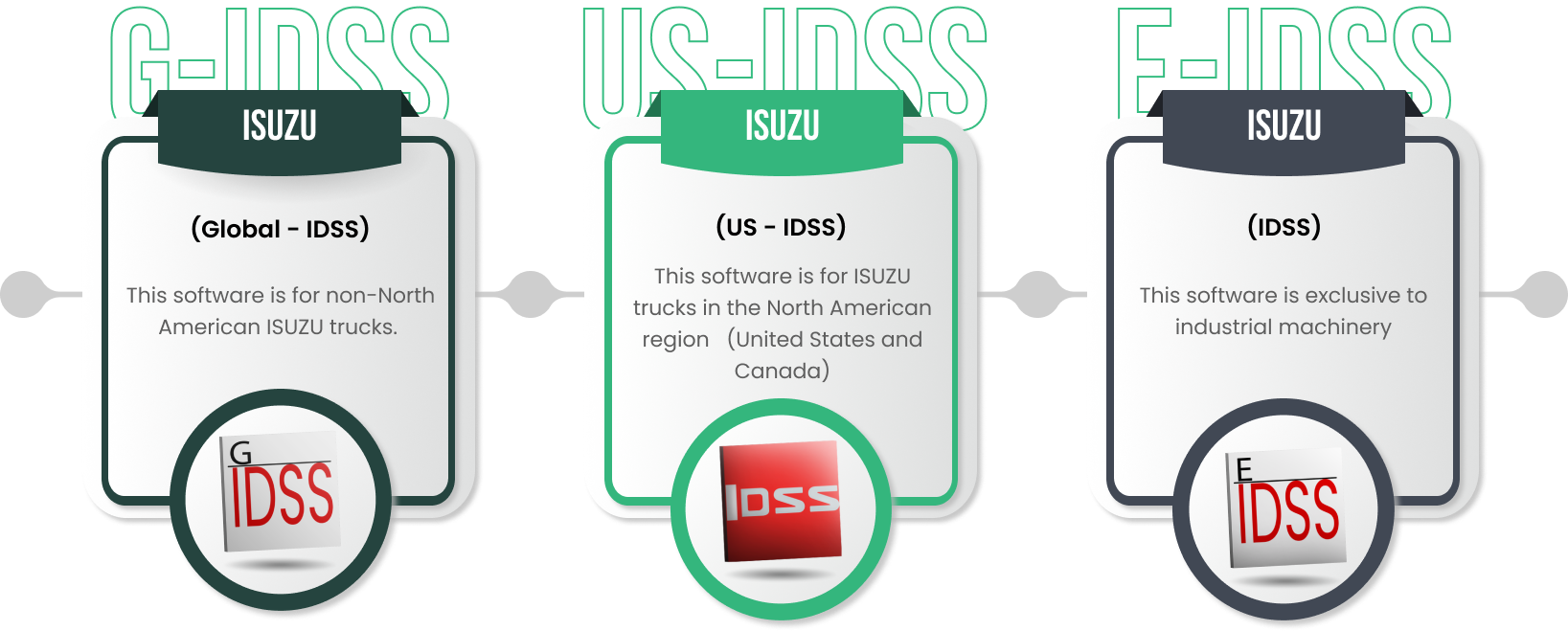
differences between isuzu g-iDSS, isuzu e-iDSS and isuzu US-IDSS
compatibility and installation
It is important to note that ISUZU G-IDSS and E-IDSS are incompatible when installed on the same PC without additional modifications. However, ISUZU US-IDSS can be installed without issues alongside the other IDSS variants.
These specific diagnostic tools enable technicians to work efficiently on ISUZU vehicles, ensuring proper and timely maintenance.
FREQUENTLY ASKED QUESTIONS
what ANOTHER INTERFACES ARE COMPATIBLE WITH ISUZU IDSS?
CAN ISUZU G-IDSS BE INSTALLED ON A WINDOWS 10 X 32-BIT PC?
IF I HAVE THE INTERFACE DREWLINQ TECHNOLOGIES, IS THIS INTERFACE COMPATIBLE WITH ANY ISUZU IDSS SOFTWARE?