-

Know in detail the differences between John
Deere software and all their features

DIFFERENCES BETWEEN JOHN DEERE
In the agricultural sector, John Deere is one of the leading brands of agricultural construction equipment in the United States and is recognized for excellence as one of the most important in the world.
John Deere Service Advisor, a highly comprehensive and versatile software
The John Deere Service Advisor software is an all-encompassing platform characterized by being a complete source of all technical information for the repair, troubleshooting, and service manuals for John Deere machinery. It also allows for calibrations, running tests, and programming controllers. The program provides textual information, graphics, and diagrams to properly diagnose and solve potential equipment issues.
Main differences from other John Deere software
John Deere has a wide range of software in its catalog for different needs. Below, we explain the differences between each of them.
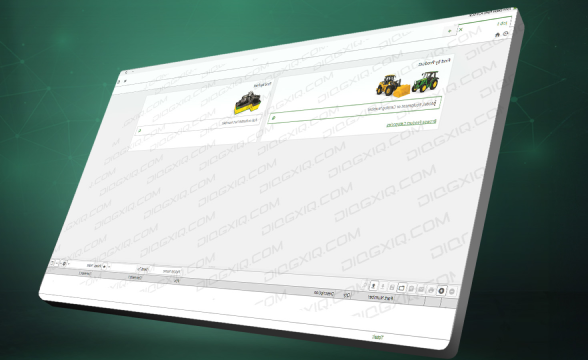
John Deere & Hitachi Parts Advisor
This is a specialized catalog of electrical spare parts for all categories of John Deere and Hitachi, including agriculture, lawn care, utilities, power systems, construction, forestry, and Hitachi.
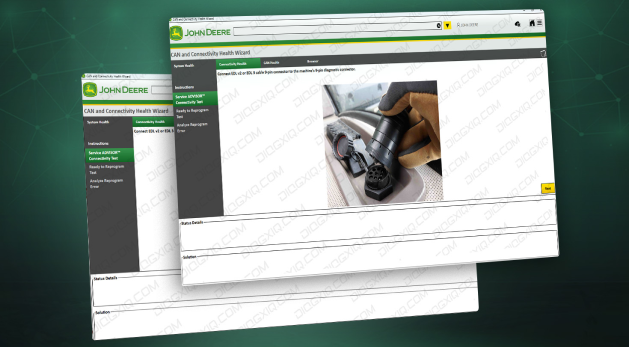
John Deere CAN and Connectivity Health Wizard
This software is marketed by John Deere Diagnostic Solutions. It guides you through the computer and communicates with the EDL for diagnostic service advice or session reprogramming.
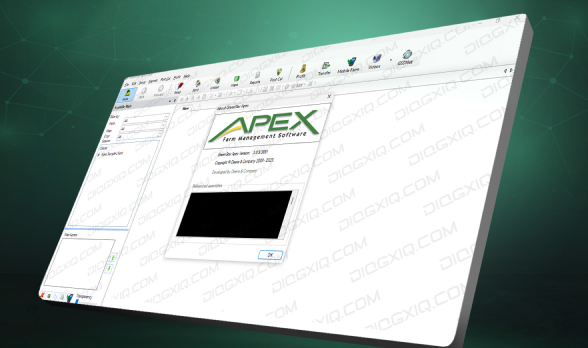
This is a farm management program from John Deere. This simple farm management software was developed with basic elements so you can spend more time analyzing data for decision-making (agricultural data management software).
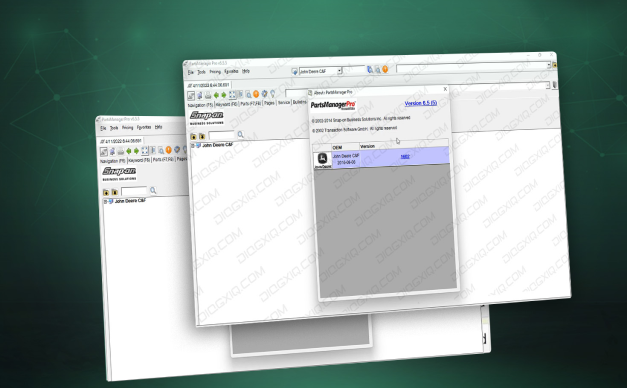
This is the electronic parts catalog EPC and parts manuals for agricultural equipment (AG), construction and forestry equipment (C&F), and commercial and consumer equipment (CCE) from John Deere. This software covers a wide range of tractors, harvesters, cotton pickers, sprayers, engines, hay and forage equipment, utility vehicles, and other agricultural equipment from John Deere.
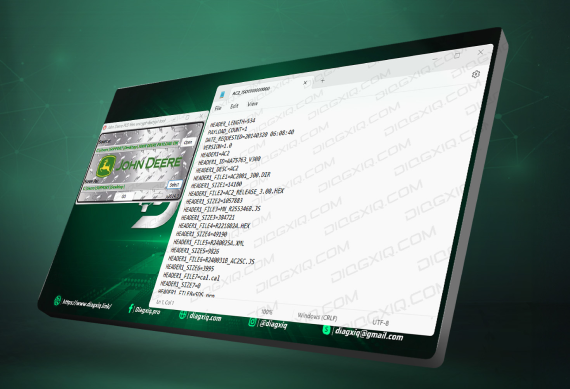
John Deere Payload Encrypter & Decrypter Tool
As part of CeBlD cyber security, the OIDC login option has been added to the Server tab. Selecting this option enables the OIDC server connection which is required for Gen 5 Cascadia with CeBlD enabled ECUs. Also, when checked or unchecked, Will flip between OIDC and SiteMinder based connection.
FREQUENTLY ASKED QUESTIONS
what INTERFACES IS THE JOHN DEERE SERVICE ADVISOR SOFTWARE COMPATIBLE WITH?
WICH OPERATING SYSTEMS ARE NOT COMPATIBLE WITH THE JOHN DEERE CAN AND CONNECTIVITY HEALT WIZARD?
CAN I CONFIGURE THE LANGUAGE IN THE JOHN DEERE PAYLOAD ECRYPTER & DECRYPTER TOOL?




Was this helpful?