-

Differences and considerations
between Claas Webtic, Claas parts
doc, Claas cds and Claas Metadiag

DIFFERENCES BETWEEN CLAAS
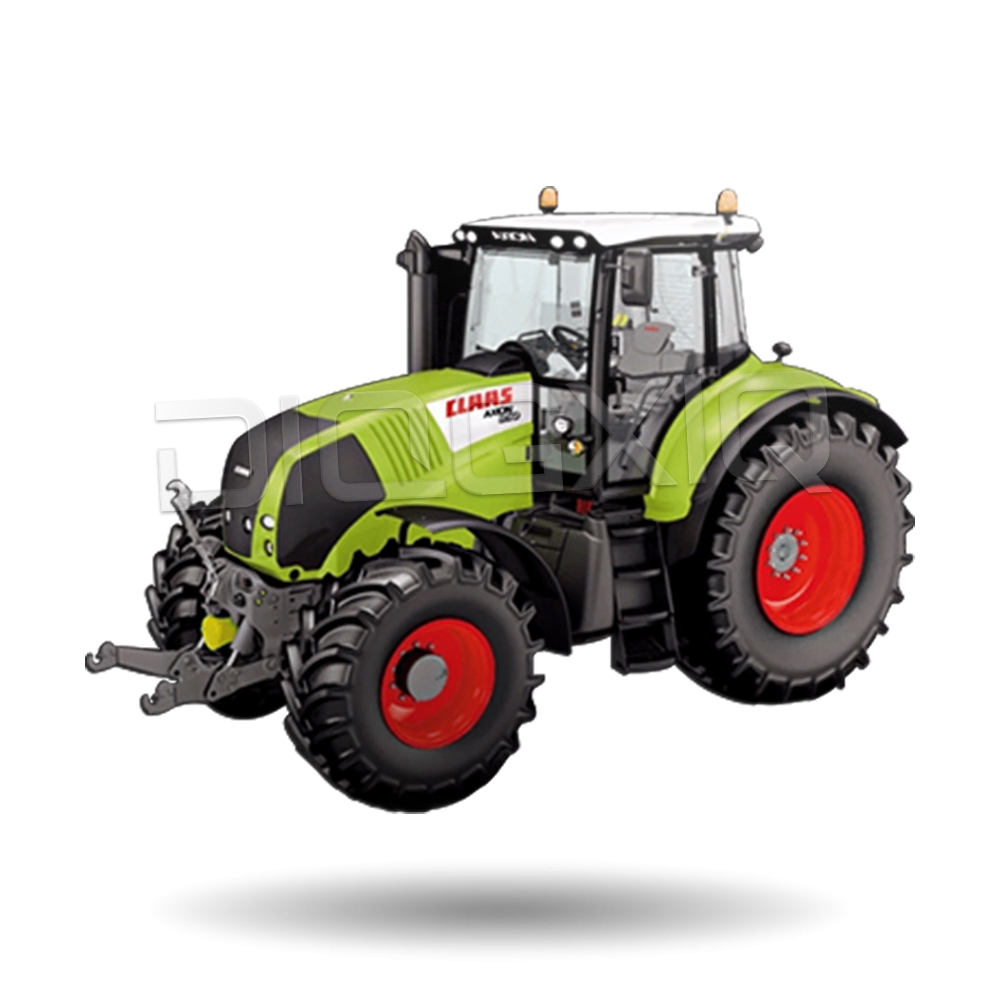
In addition to its machinery, Claas excels in its catalog software for manuals, parts, and diagnostics. Among the most notable are Claas Webtic, Claas Parts Doc, Claas CDS and Claas Metadiag, each with specific features and considerations for installation.
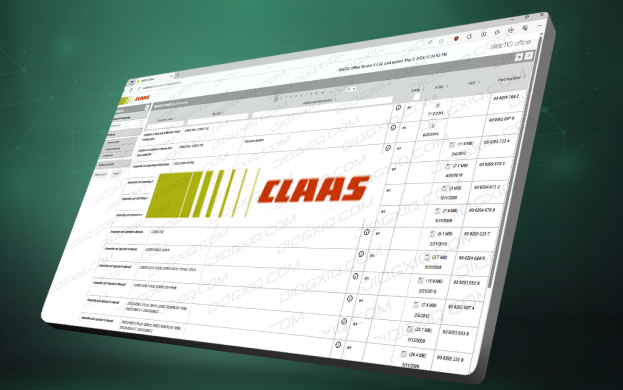
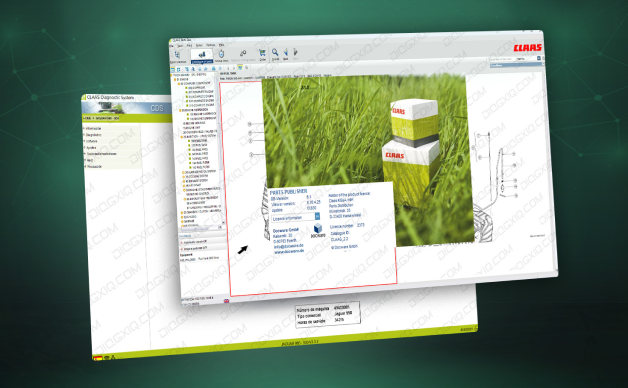
Claas Parts Doc contains a detailed and clear guide for the maintenance of Claas harvesting machines and tractors. Users can generate specific parts catalogs for the machine's serial number, including all part numbers and corresponding diagrams for their machines. This important feature allows users to timely attend to and repair any issues the machinery may present. Additionally, this guide facilitates the maintenance, calibration, installation, and disassembly of certain parts of Claas vehicles.
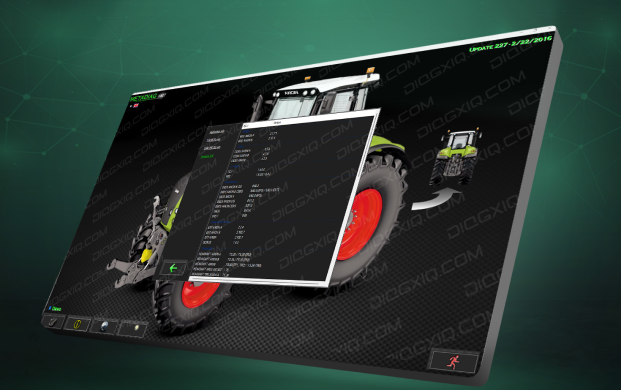
Claas Metadiag is an electronic diagnostic system used by service technicians to obtain information about possible faults and quickly identify any problems the machinery may present. The models of machinery that this software diagnoses are as follows: Ares, Arion, Atles, Axion, Axos, Celtis, Ceres, Cergos, Dionis, Ergos, Ergos 4x6, Fructus, Gamme T, Nectis, Pales, RB, Temis, 1X0-94.
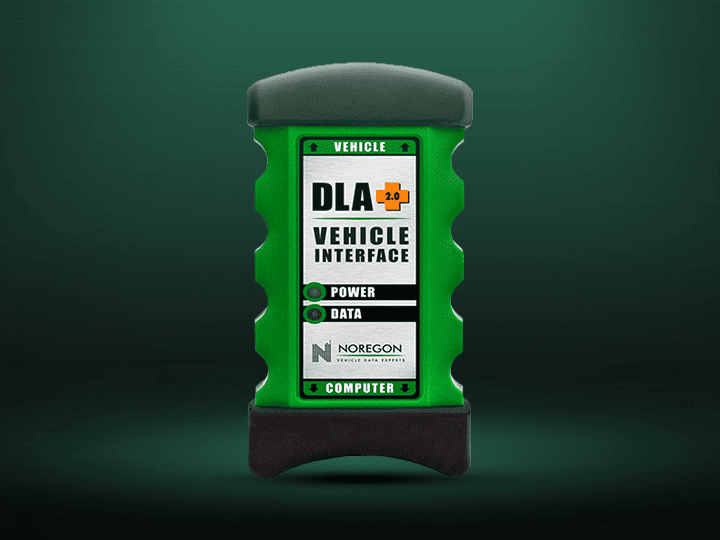
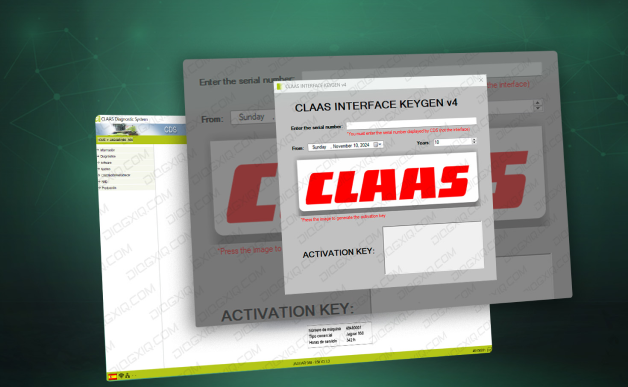
Finally, the CLAAS CDS diagnostic system allows for the rapid detection of faults and the configuration of the integrated management system. It is important to note that to use this software, a CLAAS INTERFACE is required, and an activation code derived from the interface's serial number is needed. This code is valid for only 3 years.
FREQUENTLY ASKED QUESTIONS
which languages are enabled for the interface of claas webtic?
IS THERE ANY SOFTWARE INCOMPATIBLE WITH CLAAS CDS 7.5?
WHICH OPERATING SYSTEM IS CLAAS PARTS DOC COMPATIBLE WITH?


Was this helpful?